
Field Note 01 / Planning guide
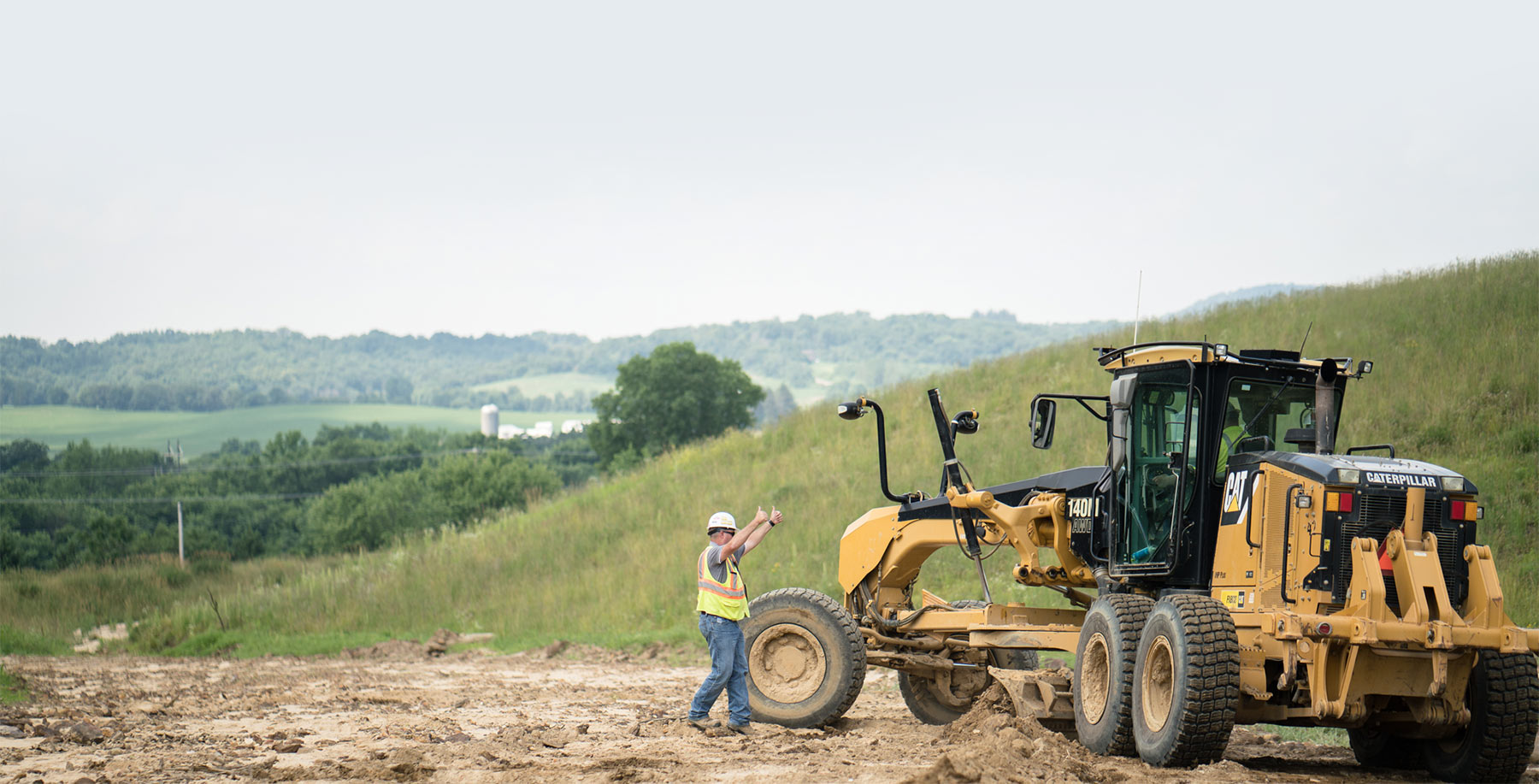
Preparing your jobsite for onsite operator training
A field-ready checklist for aligning the crew, machines, work area, and production priorities before our instructors arrive.
- Built for
- Site leaders, equipment managers, and training coordinators
- Use it
- Before scheduling and again before the training date
Before the training date
Preparation gives field time a clear target.
Onsite training works in the context of your operation. The more clearly the instructor understands the people, equipment, task, and conditions, the faster the day can move toward useful observation and coaching.
The goal is not to create paperwork for its own sake. It is to remove avoidable uncertainty: who is participating, what they run, where the work will happen, which priorities matter, and who can make decisions when the plan needs to adjust.
Use this guide alongside your operation's own procedures, manufacturer information, and direction from qualified site and safety personnel. It is practical preparation guidance, not a regulatory or compliance checklist.
The preparation checklist
Six areas to settle before arrival.
Work through these with the people who know the crew, equipment, and daily plan. Short, accurate answers are more useful than polished ones.
Set the training objective
Give the day a clear center. A short list of priorities helps keep observation and coaching connected to the work.
Organize the operators
A useful crew picture lets the training account for different experience levels without making assumptions about any operator.
Confirm the machines
Training is most relevant when our instructors know what equipment will be available and how it is configured for the work.
Prepare a representative work area
The work area should make the intended application visible while still fitting the operation's own site plan and requirements.
Gather the production context
The instructor needs enough context to connect machine technique to the larger operation, not just one isolated movement.
Close the logistics loop
Small arrival details can consume valuable field time. Confirm them before the training date.
The planning conversation
Questions worth gathering before you call.
You do not need every answer to start the conversation. These prompts help our team understand the likely scope and identify what still needs to be resolved.
- 01
Which applications or machine tasks should receive the most attention?
- 02
How many operators will participate, and what machines do they normally run?
- 03
What does the operation want to make more consistent or better understood?
- 04
Which machines and attachments will be available during the training window?
- 05
What site access, orientation, communication, and PPE expectations apply?
- 06
Who can clarify production priorities and make schedule decisions on site?
- 07
What conditions could change the plan, and what is the practical backup?
A typical field rhythm
What happens on site.
Every operation is different, but the training day generally moves from shared context to observation, coaching, repetition, and review. The exact flow is adjusted with the site lead.
- 01
Align
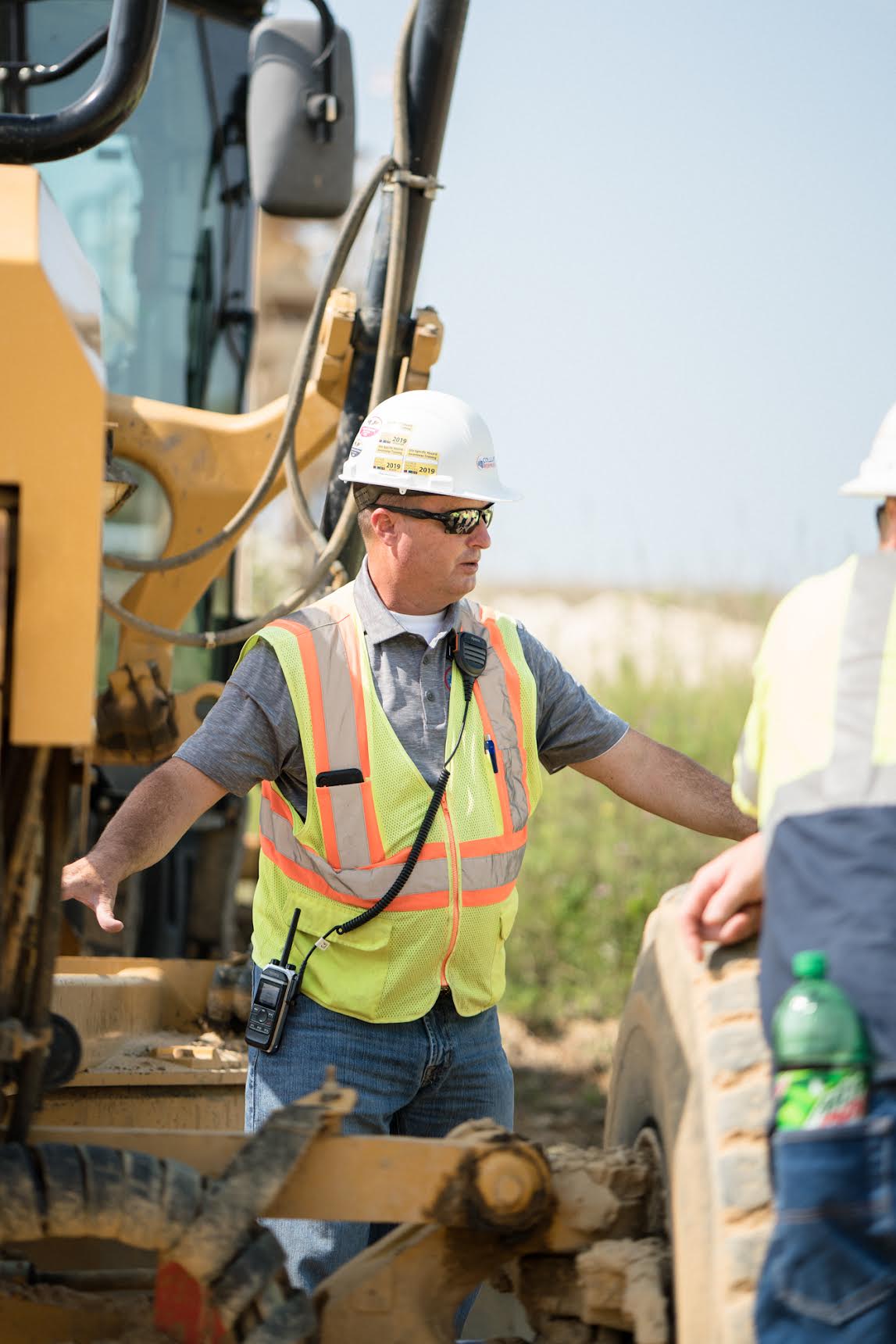
Our training team and the site lead review the priorities, operators, equipment, work plan, and current conditions before field instruction begins.
- 02
Observe
The existing application provides context: how the machine is positioned, how the operator approaches the task, and how the work connects to the operation around it.
- 03
Coach
Instruction connects machine knowledge to specific, usable adjustments. Operators can ask questions and work through the application in context.
- 04
Reinforce
The operator repeats the work with feedback so the lesson is tied to decisions they can recognize and continue practicing.
- 05
Debrief
Our training team and the appropriate site leaders review observations, recurring themes, and practical areas the crew can continue reinforcing after the session.
Planning FAQ
The practical questions.
Use these as a starting point. Our team can work through the specifics of your operation directly with you.
Does production have to stop for training?
Not necessarily. The workable approach depends on the application, crew, equipment availability, and site conditions. Share the production schedule early so our training team and the site lead can discuss a realistic training flow.
Do all operators need the same experience level?
No. A mixed group can be planned for, but it helps to share general experience levels and machine familiarity in advance. That context helps our instructors organize communication and training around the people participating.
Can the session cover more than one machine type?
Potentially. The useful scope depends on the number of operators, available time, applications, and machines. Identify the priorities first, then discuss what can be covered with enough depth to remain practical.
What if weather or ground conditions change?
Conditions are part of field work. Prepare a backup area or alternate training activity where possible, and keep our team informed. The site remains responsible for deciding whether its work can proceed under current conditions.
Does this guide replace our site procedures or safety orientation?
No. This guide is a planning aid for operator training. It does not replace employer requirements, site-specific procedures, manufacturer guidance, required orientation, or direction from qualified site and safety personnel.
Bring the details. Build the plan.
Ready to talk through your operation?
Share what your crew runs, the work they perform, and where you want the training to focus.
The planner is private preparation for your call. It does not transmit form data.
Return to all Field Notes